

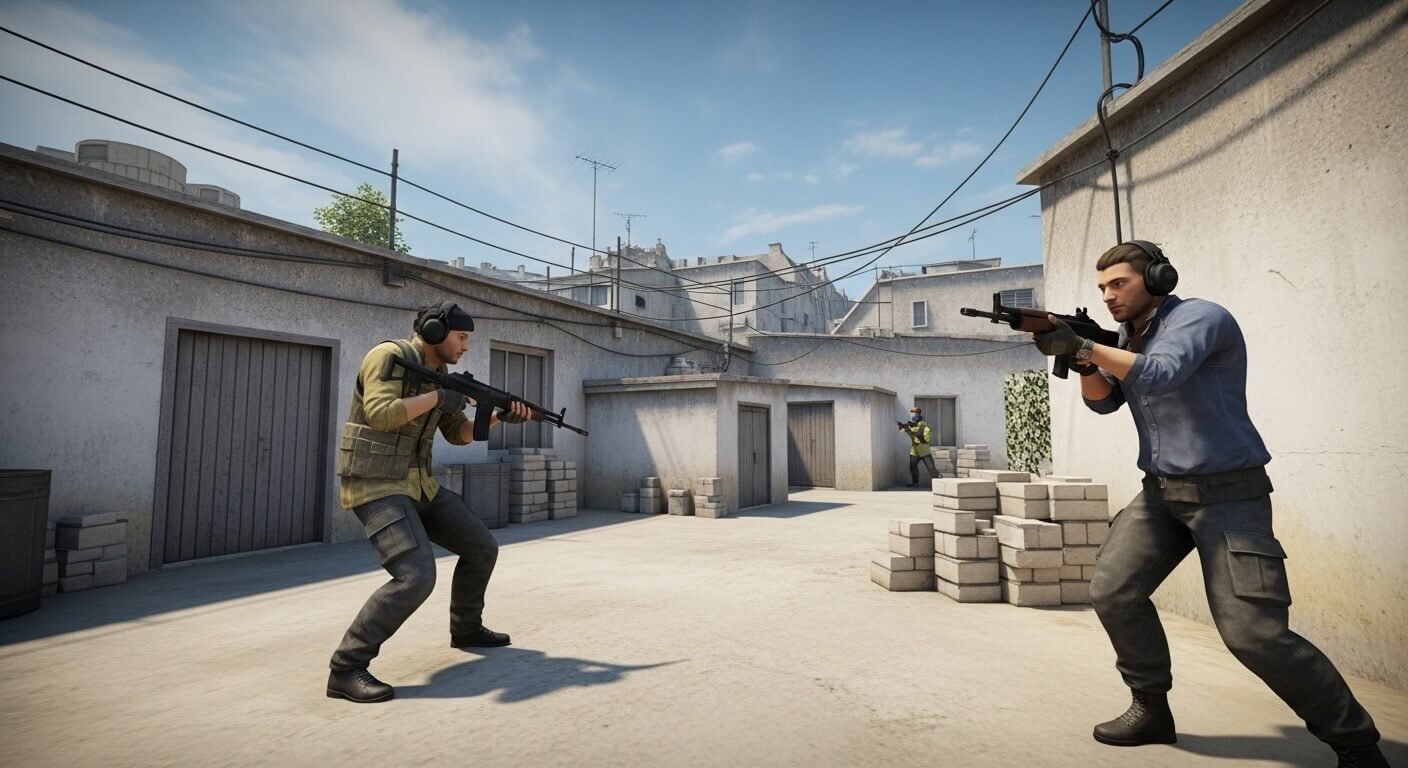
In the high-stakes world of competitive gaming, every millisecond counts. Gamers are constantly pushing their limits, honing their skills to gain an edge over opponents. Yet, there’s a hidden factor that can make or break your performance: net jitter. If you’re diving into Counter-Strike 2 (CS2), understanding net jitter is crucial for anyone serious about winning. This often-overlooked aspect of network stability can lead to frustrating gameplay experiences and missed opportunities.
But what exactly is net jitter in CS2, and why should it matter to you? Let’s unpack this essential concept—because when it comes to achieving victory in competitive play, knowledge isn’t just power; it’s everything.
The Importance of a Stable Internet Connection in Competitive Gaming
A stable internet connection is crucial for competitive gaming. In a world where split-second decisions can determine victory or defeat, any hiccup in your connection can lead to dire consequences.
Lag spikes and interruptions disrupt your gameplay experience. They create frustration that can throw off your focus. Every shot fired and every strategy planned relies on consistency.
Players need reliability to execute their skills effectively. A smooth experience allows gamers to react swiftly without the worry of momentary freezes or drops in responsiveness.
In competitive environments, even the best players struggle when faced with unstable connections. High-stakes tournaments demand peak performance from both players and their technology.
Investing time into ensuring a robust network setup pays dividends during intense matches. The goal should always be seamless gameplay—a cornerstone of success in any competition.
How Net Jitter CS2 Affects Gameplay
Net jitter in CS2 can disrupt the flow of gameplay dramatically. It refers to variations in packet arrival times, leading to inconsistent data transmission. When players experience high net jitter, they may notice lag spikes or stuttering movements on screen.
This inconsistency impacts aiming and responsiveness. A player might line up a perfect shot only for their character to jump unpredictably due to fluctuating network conditions. Such issues can lead to missed opportunities and frustrating defeats.
Moreover, team coordination suffers when communication is delayed or distorted. Effective strategies rely on precise timing; any deviation caused by jitter can throw off an entire team’s efforts during critical moments.
In competitive scenarios like CS2, where milliseconds matter, even minor jitters can tilt the odds against you. Understanding its effects allows players to address these challenges proactively rather than reactively during intense matches.
Tips for Reducing Net Jitter CS2
To tackle net jitter in CS2, first focus on your hardware. Upgrade to a wired connection if you’re still using Wi-Fi. Ethernet cables provide more stability and reduce interference.
Next, check for background applications that might hog bandwidth. Close any unnecessary apps running during gameplay. This helps prioritize your game’s data packets.
Consider optimizing your router settings as well. Adjust Quality of Service (QoS) features to give gaming traffic higher priority over other types of data.
Regularly rebooting your modem can also help clear up temporary issues or glitches affecting performance.
Monitor your network with tools designed for measuring latency and jitter specifically in gaming scenarios. Identifying patterns will guide you toward effective solutions tailored just for you.
Understanding and Interpreting Net Jitter CS2 Measurements
Net jitter is a critical measurement for players in CS2. It refers to the variability in packet delay, which impacts how data travels between your device and game servers. Understanding this metric can help you optimize your gaming experience.
Measurements of net jitter are usually expressed in milliseconds (ms). A lower value indicates a more stable connection, while higher values suggest fluctuations that can disrupt gameplay. For competitive gamers, even slight variations can lead to missed shots or unexpected lag spikes.
When analyzing your net jitter readings, aim for consistent results under 30 ms. Values exceeding this threshold may signal problems with your network setup or server location. Keep track of these measurements during different times of day to identify patterns that might affect performance.
By regularly monitoring net jitter and using tools like ping tests, players gain insights into their connectivity issues and take proactive steps toward improvement.
Case Studies: Examples of Net Jitter CS2 Impacting Competitive Play
In competitive CS2, every millisecond counts. One notable case involved a professional team during an international tournament. Players reported sudden lag spikes that were later traced to excessive net jitter. The result? A crucial match loss due to missed shots and delayed reactions.
Another instance featured a rising streamer who faced severe performance issues while playing in ranked matches. Despite having solid hardware, the inconsistent internet caused unpredictable gameplay experiences. Fans noticed erratic movements and unusual deaths, leading to frustration and decreased viewership.
These examples highlight how net jitter can shift the tide of competition dramatically. Both teams and individual players must be aware of their network conditions if they want to maintain peak performance in high-stakes environments. Addressing these issues early can mean the difference between victory and defeat on the virtual battlefield.
Conclusion
Addressing Net Jitter CS2 is essential for any serious gamer looking to excel in competitive matches. When evaluating your internet performance, focus on achieving a consistent and low jitter rate. This allows for smoother gameplay, reducing the chances of lagging or stuttering during crucial moments.
Consider upgrading your internet plan if you frequently encounter high jitter measurements. Wired connections tend to provide more stability than wireless options; therefore, investing in an Ethernet cable can significantly minimize fluctuations. Additionally, close any unnecessary applications running in the background that may consume bandwidth while gaming.
Regularly testing your connection and monitoring net jitter using reliable tools will give you insight into how well you’re performing online. If problems persist despite taking these measures, consulting with your Internet Service Provider might yield further solutions tailored to improve your connectivity.
By prioritizing a stable internet connection and understanding net jitter’s impact on gaming experiences like CS2, players can gain an edge over their competition—leading not only to victories but also enhancing overall enjoyment of the game.
